
Introduction
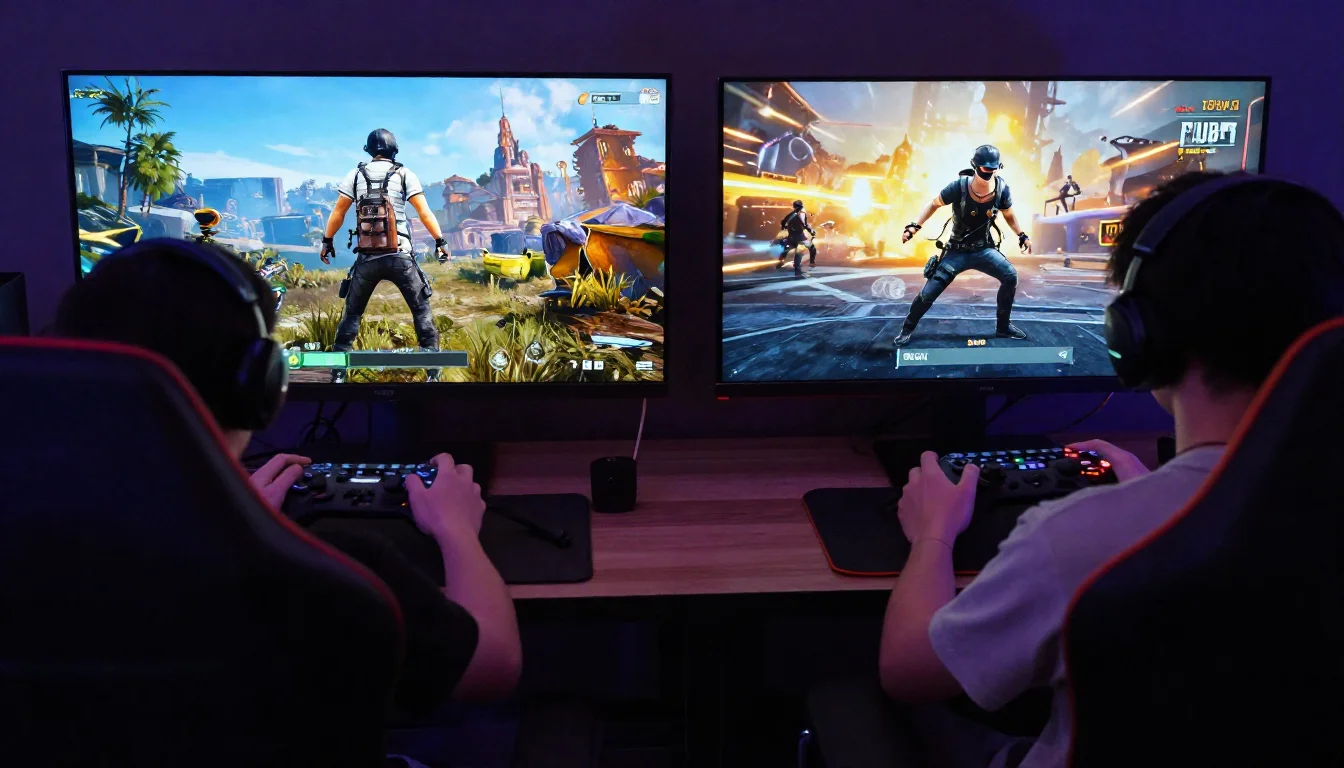
You have a friend on PC and another on Xbox. You want to drop into Erangel together and dominate. But then the question hits you: is PUBG cross platform? It is one of the most searched questions in the PUBG community, and honestly, it deserves a clear and direct answer.
PUBG: Battlegrounds has been around since 2017. It grew from an early access PC game into a global phenomenon available on multiple platforms. With millions of players across PC, Xbox, PlayStation, and mobile, cross-platform play has become a major topic of conversation.
In this article, you will get a full breakdown of PUBG cross platform support. We will cover which platforms can play together, how cross-play works in practice, and what limitations you should know about before you try to squad up with your friends across different devices.
What Does Cross Platform Mean in PUBG?
Cross platform play means that players on different gaming devices can join the same match and play against or alongside each other. For a game like PUBG, this is a big deal. The player base is spread across several platforms, and being able to connect with friends regardless of their device makes the game far more social and accessible.
When people ask is PUBG cross platform, they usually want to know one specific thing: can my Xbox friend play with me on PlayStation, or can my PC friend join my console lobby? The answer is nuanced, and it depends on which platforms you are comparing.
Cross-play is not the same as cross-progression. Cross-play refers to playing together in real time. Cross-progression means your account data, skins, and stats carry over between platforms. PUBG has implemented both, but with different levels of support depending on the platform combination.
Is PUBG Cross Platform Between PC and Console?
Here is the straightforward answer: no, PUBG does not support cross platform play between PC and consoles. PC players and console players cannot be placed in the same match together.
This is a deliberate design decision by Krafton, the developer of PUBG. PC players use a mouse and keyboard, which gives them a significant precision advantage over console players using a controller. Mixing the two in the same lobby would create an unbalanced and frustrating experience.
I think this is actually the right call. Nobody wants to feel like they are at a mechanical disadvantage from the moment the match starts. Keeping PC and console players separate maintains competitive fairness.
Why PC vs Console Cross Play Does Not Exist
The gap between mouse and keyboard aiming versus controller aiming is too wide to bridge fairly. Even with aim assist on consoles, PC players still have a measurable advantage in reaction time and precision targeting. PUBG made the decision to keep these two communities separate, and that policy has remained consistent.
Is PUBG Cross Platform Between Xbox and PlayStation?
Yes. This is where PUBG cross platform support really shines. PUBG fully supports cross-play between Xbox and PlayStation. If you are on PS4 or PS5 and your friend plays on Xbox One or Xbox Series X/S, you can squad up together without any issues.
Console cross-play in PUBG is enabled by default. You do not need to do anything special to activate it. When you create or join a lobby, players from both console families can be matched together seamlessly.
This is a huge win for the PUBG player base. Console players often struggled with longer matchmaking times when pools were split. With cross-play enabled between Xbox and PlayStation, the matchmaking pool is larger, which means faster lobbies and more competitive matches.
How to Enable or Disable Console Cross Play
By default, cross-play between Xbox and PlayStation is turned on. If you want to change this setting, here is how you do it:
- Open PUBG on your console.
- Go to Settings from the main menu.
- Select the Gameplay tab.
- Find the Cross Platform Play option.
- Toggle it on or off based on your preference.
Keep in mind that turning off cross-play will limit your matchmaking pool. You may experience longer queue times, especially during off-peak hours or in less populated regions.
Is PUBG Cross Platform Between Mobile and PC or Console?
No. PUBG Mobile is a completely separate game from PUBG: Battlegrounds. They share the same name and a similar gameplay concept, but they are developed and published differently. PUBG Mobile is developed by Tencent Games and LightSpeed Studios, while PUBG: Battlegrounds is developed by Krafton.
Because they are separate games, there is no cross-platform connection between PUBG Mobile and the PC or console versions. Mobile players cannot join a match with PC or console players. Their accounts are also completely separate.
If you are a mobile player wondering whether is PUBG cross platform includes your device, the answer is that mobile exists in its own ecosystem. Within PUBG Mobile, there is some ability to play using an emulator, but that is subject to the game’s own rules and restrictions.
PUBG Cross Platform: Full Breakdown by Device
Here is a clear reference table so you know exactly where cross-play works and where it does not in PUBG:
| Platform Combo | Cross Play Supported? | Notes |
| Xbox + PlayStation | Yes | Fully supported, enabled by default |
| PC + Console | No | Kept separate for competitive balance |
| PC + PC | Yes | Same platform, no cross-play needed |
| Console + Console (same) | Yes | Same platform, no cross-play needed |
| Mobile + PC | No | Separate game entirely |
| Mobile + Console | No | Separate game entirely |
Does PUBG Support Cross Progression?
Cross progression is different from cross-play, and PUBG has made significant moves in this area. PUBG added a Krafton account system that allows you to link your PC and console accounts together.
With cross progression, you can transfer certain data between platforms. This includes some cosmetic items, your Survivor Pass progress, and certain other account-linked rewards. However, the implementation is not perfect, and not every item or purchase transfers between platforms.
Here is what cross progression in PUBG generally covers:
- Survivor Pass XP and rewards on linked accounts
- Some cosmetic items purchased through the Krafton account
- Career stats visible across platforms through the PUBG website
Here is what does not transfer:
- G-Coin purchases made on one platform do not carry over to another
- Some platform-exclusive items stay locked to the original platform
- BP (Battle Points) earned on one platform stays there
If cross-progression is important to you, I would recommend checking the official PUBG support page for the most current information, since Krafton has updated these policies multiple times.
How to Set Up Cross Play in PUBG on Console
Setting up PUBG cross platform play on your console takes less than a minute. Follow these steps:
On PlayStation
- Launch PUBG from your home screen.
- Press Options on your controller to open Settings.
- Navigate to the Gameplay section.
- Look for the Cross Platform Play toggle.
- Make sure it is set to On.
On Xbox
- Open PUBG from your Xbox dashboard.
- Go to Settings using the menu button.
- Select the Gameplay tab.
- Find Cross Platform Play and confirm it is enabled.
- Start a new match or invite friends from either platform.
Once cross-play is enabled, inviting friends from a different console platform works through the PUBG in-game friend system. You can search for players by their PUBG ID and send invites directly.
Common Problems with PUBG Cross Platform Play
Even though is PUBG cross platform play available between consoles, it does not always work perfectly. Here are some issues players commonly run into and how to address them.
You Cannot Find Your Friend in the Lobby
If you cannot find your cross-platform friend, make sure you are both using the same server region. Matchmaking regions must match for you to play together. Also confirm that cross-play is enabled on both sides, and that you are searching by the correct PUBG ID.
Longer Queue Times After Disabling Cross Play
Turning off cross-play significantly reduces the matchmaking pool. If you experience long wait times, try re-enabling cross-play. A slightly mixed lobby is still a fair lobby when everyone is on a console controller.
In-Game Friend System Not Working
Sometimes the in-game friend invitation system lags or glitches. If an invite is not going through, try restarting PUBG on both devices. If the problem persists, check the PUBG server status page to rule out any ongoing technical issues.
Is PUBG Cross Platform on PC with Steam and Other Launchers?
On PC, PUBG is primarily available through Steam. The game is no longer available for separate purchase on other PC storefronts in the same way it once was. PC players who own the game through Steam can all play together without any cross-platform restrictions because they are on the same platform.
There is no conflict between different PC storefronts because Steam is the main home for PUBG on PC. If you are a PC player, you do not need to worry about cross-play settings. You simply launch the game and matchmaking brings you into lobbies with other PC players.
Will PUBG Ever Support Full Cross Platform Play Including PC and Console?
This is one of the most common questions in the community. As of now, Krafton has not announced plans to enable cross-play between PC and consoles. The company has maintained its position that the input method difference between mouse and keyboard versus controller makes it unfair to put these players in the same lobby.
Some games have addressed this concern by only allowing cross-play when console players opt in, or by separating matchmaking by input method. Whether Krafton will ever take this approach with PUBG remains to be seen.
The honest answer is that full PC and console cross-play in PUBG is unlikely in the near future. The competitive integrity argument is valid, and Krafton has shown no signs of changing course on this issue.
PUBG Cross Platform: Key Takeaways
Let’s bring everything together with a quick summary of what you need to know about is PUBG cross platform:
- Xbox and PlayStation players CAN play together. Cross-play is enabled by default between these two console platforms.
- PC and console players CANNOT play together. The input method difference keeps these groups separate.
- PUBG Mobile is a separate game. It does not connect to PC or console versions in any way.
- Cross-progression exists between PC and console through a linked Krafton account, but it has limitations.
- You can disable console cross-play in the settings, but expect longer queue times if you do.
Conclusion
So, is PUBG cross platform? The answer is yes and no, depending on which platforms you are comparing. Console players on Xbox and PlayStation enjoy full cross-play support. PC and console players remain in separate matchmaking pools. And PUBG Mobile operates in its own universe.
If you are on console, you are in luck. You can play with your friends regardless of whether they own an Xbox or a PlayStation. Just make sure cross-play is enabled in your settings and start dropping into matches together.
If you are on PC and your friend is on console, the sad reality is that PUBG does not currently allow you to share a lobby. Until Krafton changes that policy, your best bet is to convince your friend to pick up the game on PC.
Now that you know exactly how PUBG cross platform works, which of your friends are you going to squad up with first? Drop a comment and let us know, or share this article with anyone still wondering whether PUBG lets you play across platforms.
Frequently Asked Questions (FAQs)
1. Is PUBG cross platform between PC and PS4?
No. PUBG does not support cross-platform play between PC and PS4. PC players and console players are kept in separate matchmaking pools due to the competitive imbalance caused by different input methods.
2. Can Xbox and PlayStation players play PUBG together?
Yes. PUBG fully supports cross-play between Xbox and PlayStation. You can squad up with friends on either console platform without any extra steps. Cross-play is enabled by default.
3. Is PUBG Mobile the same as PUBG on console?
No. PUBG Mobile is a separate game developed by a different studio. It does not share matchmaking, accounts, or progression with the PC or console versions of PUBG: Battlegrounds.
4. How do I turn off cross-play in PUBG on console?
Go to Settings, select the Gameplay tab, and find the Cross Platform Play toggle. You can switch it off from there. Note that doing so will reduce your matchmaking pool and may increase queue times.
5. Does PUBG have cross progression between PC and console?
Partially. PUBG allows you to link a Krafton account to transfer some data between platforms. However, G-Coin purchases and platform-exclusive items generally do not transfer. Check the official PUBG website for the latest information on cross-progression support.
6. Is PUBG cross platform on PS5 and Xbox Series X?
Yes. The newer generation consoles, PS5 and Xbox Series X/S, also support cross-play with each other. PUBG cross-play covers all PlayStation and Xbox console generations.
7. Can PC players use a controller to join console lobbies in PUBG?
No. Even if a PC player uses a controller, they still play in the PC matchmaking pool. The distinction in PUBG is platform-based, not input-method-based. PC players always match with other PC players.
8. Does PUBG Lite support cross-platform play?
PUBG Lite was a free-to-play PC version of the game, but it was shut down in 2021. It is no longer available, so cross-platform questions about PUBG Lite are no longer relevant.
9. Is PUBG cross platform between PC and Xbox?
No. PUBG does not support cross-play between PC and Xbox. Console players, including Xbox users, are in a separate matchmaking pool from PC players.
10. Will PUBG ever support full cross-platform play?
As of now, Krafton has not announced any plans to enable full cross-platform play between PC and consoles. The competitive balance concern around input methods has kept these groups separate since the game launched.
Also Read In bestswitchgames.com
Email: johanharwen314@gmail.com
Author Name: Johan Harwen
About the Author: Johan Harwen is a seasoned gaming journalist and content strategist with over eight years of experience covering the online multiplayer and battle royale space. He has followed PUBG: Battlegrounds since its early access launch in 2017 and has written extensively about cross-platform gaming, game development trends, and competitive esports ecosystems. Johan believes that clear, honest, and reader-first content is the best way to serve gaming communities. When he is not writing, he is likely grinding ranked matches and arguing about drop locations.